The VERSE token's utility will include unlocking rewards along tiers, method of payment in the Bitcoin.com ecosystem and beyond, yield farming and more. For now, you can get started with the following:
💱 Trade VERSE
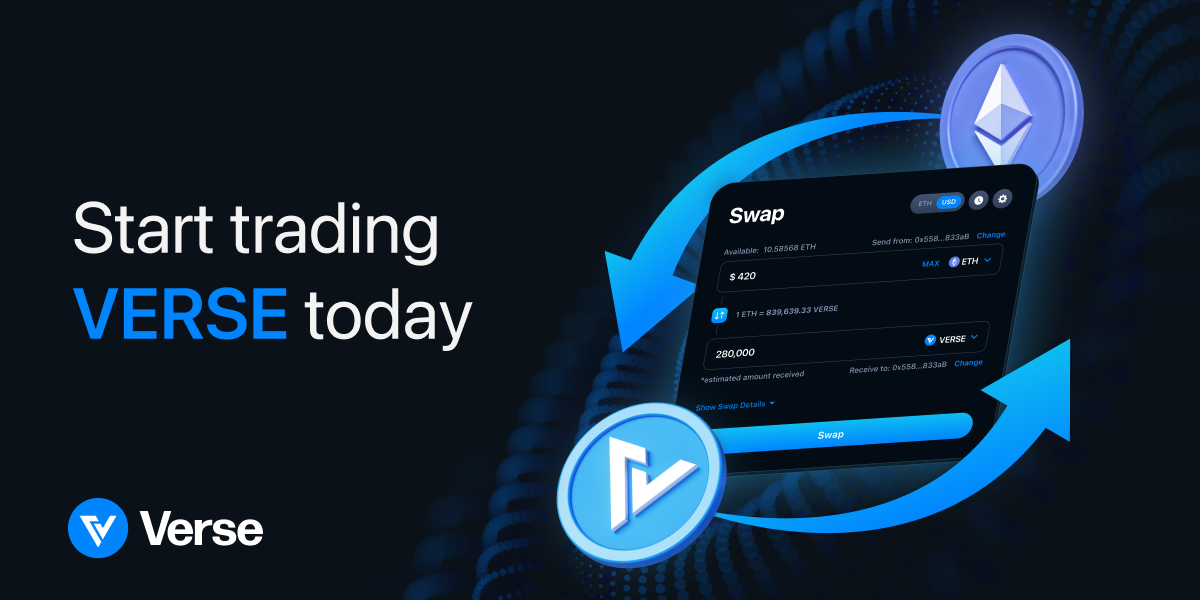
Verse trading started Dec 8 at 00:30 UTC on the Verse DEX with an initial listing price of $0.0015. The first trading pair is ETH/VERSE. Here's a guide for how to use the Verse DEX with the self-custodial Bitcoin.com Wallet.
💰 Earn VERSE
You can start earning a share of Verse trading fees by providing liquidity to the Verse DEX, including for the VERSE/ETH pair once it's live. Here's a guide for how to contribute to liquidity pools and earn yield.
📱 Adding VERSE to your Bitcoin.com Wallet
- From the app's home screen, tap on your Ethereum wallet
- In your Ethereum wallet, select the "Assets" tab
- Tap "Manage assets"
- Find VERSE and toggle it on. Note that if you're already tracking eight ERC-20 tokens, you'll need to disable one first.
👛 Adding VERSE to other wallets
To add tracking for VERSE to your favorite web3 wallet, the process is typically to select "add token" then enter the VERSE token contract address, which is as follows: 0x249ca82617ec3dfb2589c4c17ab7ec9765350a18 (view on Etherscan)
🦊 Adding Verse to Metamask
- From the Assets tab, scroll down and select import tokens.
- Next select the Custom token tab.
- In the Token contract address field, enter the following:
0x249ca82617ec3dfb2589c4c17ab7ec9765350a18. That should automatically fill in the token symbol, which is VERSE and the number of decimals, which should be 18.





0 Comments